Practise With Calculator計數機練習室

Program Bank 程式庫

The 12 DSE programs that come with Sci-50: what each one does, the values it asks for, a worked example and the screen it shows. Each program takes the same inputs in the same order as the DSE version.

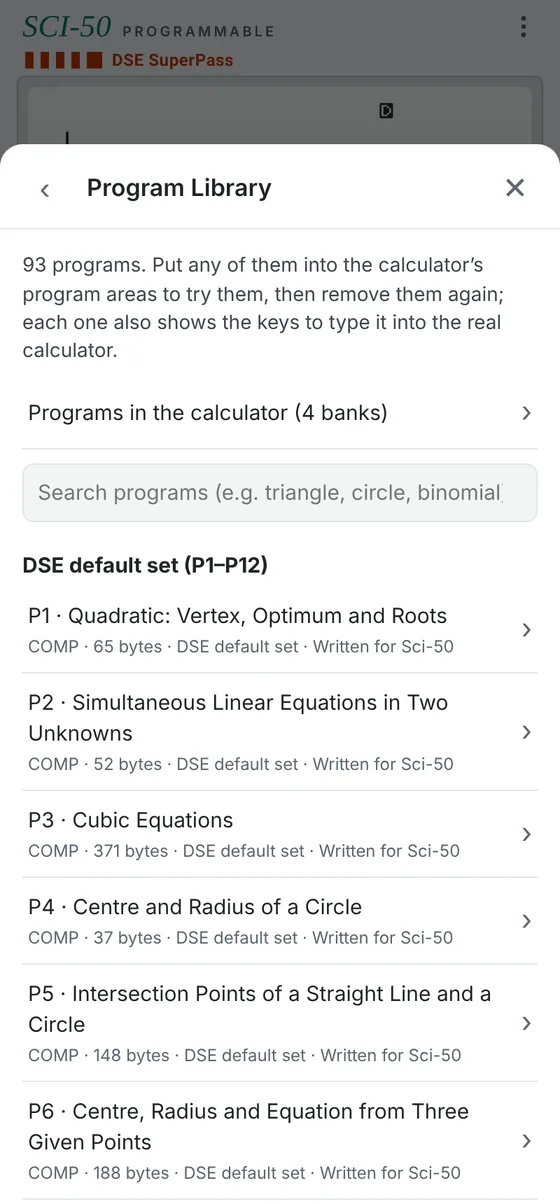
The Program Library screen in Sci-50, listing the DSE default set P1 to P6
Menu → Program Library

Running a program

  1. Press Prog and the area number. P1 to P4 are ready in the calculator. To use P5 to P12, open Menu → Program Library and put the one you need into an area.
  2. ? asks for a value: type it and press EXE. The upper line shows which value it wants.
  3. ◢ pauses on a result. Write it down, then press EXE for the next one.
  4. On your own calculator, type the listing with MODE 6 (PRGM), 1 (EDIT) and an area number. All four areas share 680 bytes.
P1

Quadratic: Vertex, Optimum and Roots

COMP mode65 bytesIn the calculator

For y = ax² + bx + c: the turning point, the discriminant and the two real roots.

Enter
a, b, c.
Shows
Turning point x, turning point y (the maximum or minimum value), discriminant Δ, then the two roots.
Example
y = x² + 2x − 15: a = 1, b = 2, c = −15 → turning point (−1, −16), Δ = 64, roots 3 and −5
Screen shows
−1, −16, 64, 3, −5

Math ERROR at the first root means Δ < 0: there are no real roots (use P10 or P8-style CMPLX programs for complex roots).

Try it on a DSE-style question (D1) →

Program listing (65 bytes)
?→A
?→B
?→C
-B÷(2A)→X◢
AX²+BX+C◢
B²-4AC→D◢
X+√(D)÷(2A)◢
X-√(D)÷(2A)

Each line break is a : on the calculator. SHIFT 3 (P-CMD) gives ? → : ◢.
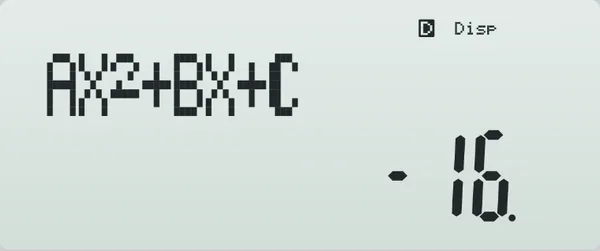
(−1, −16)−53 Sci-50 display while P1 runs its example
The example drawn, and the calculator's display while it runs.
P2

Simultaneous Linear Equations in Two Unknowns

COMP mode52 bytesIn the calculator

Solves a₁x + b₁y = c₁ and a₂x + b₂y = c₂ by Cramer’s rule.

Enter
a₁, b₁, c₁, then a₂, b₂, c₂.
Shows
x, then y.
Example
x + y = 1 and 2x − y = 5 → x = 2, y = −1
Screen shows
2, −1

Math ERROR means a₁b₂ − a₂b₁ = 0: the lines are parallel or the same line.

Try it on a DSE-style question (D2) →

Program listing (52 bytes)
?→A
?→B
?→C
?→D
?→X
?→Y
AX-BD→M
(CX-BY)÷M◢
(AY-CD)÷M

Each line break is a : on the calculator. SHIFT 3 (P-CMD) gives ? → : ◢.
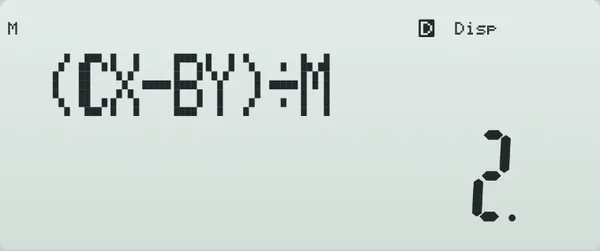
(2, −1) Sci-50 display while P2 runs its example
The example drawn, and the calculator's display while it runs.
P3

Cubic Equations

COMP mode371 bytesIn the calculator

Every distinct real root of ax³ + bx² + cx + d = 0.

Enter
a, b, c, d (prompts A?, B?, C?, M?).
Shows
The distinct real roots, one pause each: three roots from largest to smallest; with a repeated root, the single root and then the repeated root; one root when the other two are complex.
Example
x³ + 6x² + 11x + 6 = 0 → −1, −2, −3
Screen shows
−1, −2, −3

Finds one root by halving an interval 60 times, then solves the remaining quadratic. When the root found is a repeated root, rounding can split it into two close values; roots closer than (|root| + 1) × 10⁻⁴ are therefore taken as one repeated root, worked out from the sum of the roots (−b/a), so two distinct roots that close together are shown as one. The prompts and the order of the answers follow the DSE P3 program.

Try it on a DSE-style question (D3) →

Program listing (371 bytes)
?→A
?→B
?→C
?→M
B÷A→B
C÷A→C
M÷A→D
-B÷3→M
M(M(M+B)+C)+D=0⇒Goto 2
1+Abs(B)+Abs(C)+Abs(D)→Y
-Y→X
For 1→A To 60
(X+Y)÷2→M
If M(M(M+B)+C)+D>0:Then M→Y:Else M→X:IfEnd
Next
Lbl 2
B+M→B
C+BM→C
B²-4C→D
Abs(D)<(B²+1)÷10^(9)⇒0→D
D<0⇒Goto 3
√(D)→D
(-B+D)÷2→X
(-B-D)÷2→Y
(Abs(M)+1)÷10^(4)→A
D=0⇒Goto 4
Abs(M-X)<A⇒Goto 7
Abs(M-Y)<A⇒Goto 8
M>X⇒Goto 5
M>Y⇒Goto 6
X◢
Y◢
M
Goto 9
Lbl 5
M◢
X◢
Y
Goto 9
Lbl 6
X◢
M◢
Y
Goto 9
Lbl 7
Y◢
(M-B-Y)÷2
Goto 9
Lbl 8
X◢
(M-B-X)÷2
Goto 9
Lbl 4
Abs(M-X)<A⇒Goto 3
M◢
X
Goto 9
Lbl 3
M
Lbl 9

Each line break is a : on the calculator. SHIFT 3 (P-CMD) gives ? → : ◢.
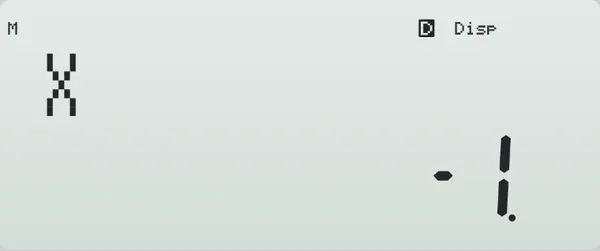
−3−2−1 Sci-50 display while P3 runs its example
The example drawn, and the calculator's display while it runs.
P4

Centre and Radius of a Circle

COMP mode37 bytesIn the calculator

Centre and radius of x² + y² + Dx + Ey + F = 0.

Enter
D, E, F.
Shows
Centre x, centre y, then the radius.
Example
x² + y² + 4x − 8y + 3 = 0 → centre (−2, 4), radius √17 = 4.123105626
Screen shows
−2, 4, 4.123105626

Math ERROR at the radius means the equation is not a real circle.

Try it on a DSE-style question (D4) →

Program listing (37 bytes)
?→A
?→B
?→C
-A÷2→X◢
-B÷2→Y◢
√(X²+Y²-C)

Each line break is a : on the calculator. SHIFT 3 (P-CMD) gives ? → : ◢.
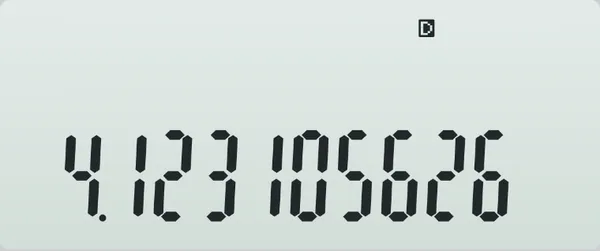
(−2, 4)r = √17 Sci-50 display while P4 runs its example
The example drawn, and the calculator's display while it runs.
P5

Intersection Points of a Straight Line and a Circle

COMP mode148 bytesBank 2

Where the line ax + by = c meets the circle x² + y² + Dx + Ey + F = 0, found from the foot of the perpendicular from the centre and the half-chord.

Enter
a, b, c of the line ax + by = c (prompts D?, X?, Y?), then D, E, F of the circle x² + y² + Dx + Ey + F = 0 (prompts C?, B?, A?).
Shows
x₁, y₁, then x₂, y₂: the point with the smaller y first (for a vertical line the larger y first; for a horizontal line the smaller x first). A tangent gives the same point twice.
Example
x + 7y = 40 and x² + y² − 2x − 4y − 20 = 0 → (5, 5) and (−2, 6)
Screen shows
5, 5, −2, 6

The prompts and the order of the answers follow the DSE P5 program. Vertical and horizontal lines both work. Math ERROR means the line misses the circle; P9 gives the complex points.

Try it on a DSE-style question (D5) →

Program listing (148 bytes)
?→D
?→X
?→Y
?→C
?→B
?→A
-C÷2→C
-B÷2→B
C²+B²-A→A
D²+X²→M
(Y-DC-XB)÷M→Y
C+DY→C
B+XY→B
√(A÷M-Y²)→A
D<0⇒-A→A
X=0⇒-A→A
D=0⇒X>0⇒-A→A
C+XA◢
B-DA◢
C-XA◢
B+DA

Each line break is a : on the calculator. SHIFT 3 (P-CMD) gives ? → : ◢.
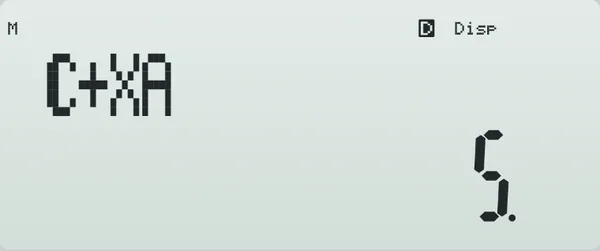
(5, 5)(−2, 6) Sci-50 display while P5 runs its example
The example drawn, and the calculator's display while it runs.
P6

Centre, Radius and Equation from Three Given Points

COMP mode188 bytesBank 2

The circle through three given points: its centre, radius and general equation.

Enter
x₁, y₁, x₂, y₂, x₃, y₃.
Shows
Centre x, centre y, radius, then D, E, F of x² + y² + Dx + Ey + F = 0.
Example
(5, 2), (2, 3), (6, −5) → centre (2, −2), radius 5, x² + y² − 4x + 4y − 17 = 0
Screen shows
2, −2, 5, −4, 4, −17

Math ERROR means the three points are on one straight line.

Try it on a DSE-style question (D6) →

Program listing (188 bytes)
?→A
?→B
?→C
?→D
?→X
?→Y
C-A→C
D-B→D
X-A→X
Y-B→Y
2(CY-DX)→M
B+(C(X²+Y²)-X(C²+D²))÷M→B
A+(Y(C²+D²)-D(X²+Y²))÷M→A◢
B◢
√(((Y(C²+D²)-D(X²+Y²))÷M)²+((C(X²+Y²)-X(C²+D²))÷M)²)→C◢
-2A◢
-2B◢
A²+B²-C²

Each line break is a : on the calculator. SHIFT 3 (P-CMD) gives ? → : ◢.
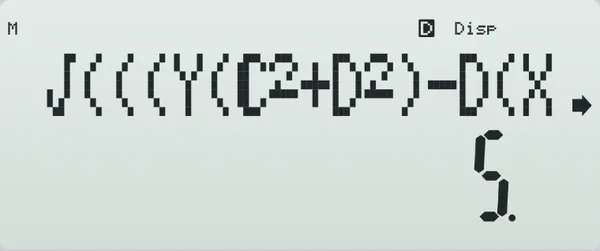
centre (2, −2) Sci-50 display while P6 runs its example
The example drawn, and the calculator's display while it runs.
P7

Centres of a Triangle

COMP mode351 bytesBank 3

The four classic centres of a triangle from its vertices. The orthocentre comes from the Euler line, H = A + B + C − 2O.

Enter
x₁, y₁, x₂, y₂, x₃, y₃.
Shows
Centroid (x, y), incentre (x, y), orthocentre (x, y), then circumcentre (x, y).
Example
O(0, 0), A(24, 0), B(12, 9) → centroid (12, 3), incentre (12, 4), orthocentre (12, 16), circumcentre (12, −3.5)
Screen shows
12, 3, 12, 4, 12, 16, 12, −3.5

Math ERROR means the three points are on one straight line.

Try it on a DSE-style question (D7) →

Program listing (351 bytes)
?→A
?→B
?→C
?→D
?→X
?→Y
(A+C+X)÷3◢
(B+D+Y)÷3◢
√((C-X)²+(D-Y)²)+√((A-X)²+(B-Y)²)+√((A-C)²+(B-D)²)→M
(A√((C-X)²+(D-Y)²)+C√((A-X)²+(B-Y)²)+X√((A-C)²+(B-D)²))÷M◢
(B√((C-X)²+(D-Y)²)+D√((A-X)²+(B-Y)²)+Y√((A-C)²+(B-D)²))÷M◢
C-A→C
D-B→D
X-A→X
Y-B→Y
2(CY-DX)→M
A+C+X-2(Y(C²+D²)-D(X²+Y²))÷M◢
B+D+Y-2(C(X²+Y²)-X(C²+D²))÷M◢
A+(Y(C²+D²)-D(X²+Y²))÷M◢
B+(C(X²+Y²)-X(C²+D²))÷M

Each line break is a : on the calculator. SHIFT 3 (P-CMD) gives ? → : ◢.
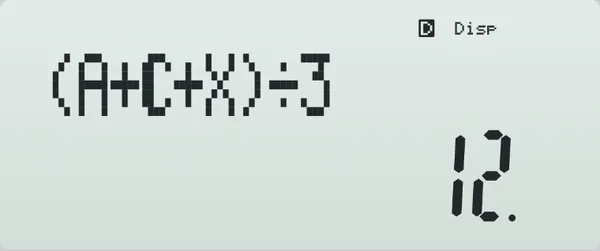
GIHO Sci-50 display while P7 runs its example
The example drawn, and the calculator's display while it runs.
P8

Simultaneous Equations (Complex)

CMPLX mode52 bytesBank 3

P2 in CMPLX mode: any coefficient, and either answer, may be complex.

Enter
a₁, b₁, c₁, then a₂, b₂, c₂ (each may be a + bi; i is ALPHA ENG).
Shows
x, then y. A complex answer shows its real part first; SHIFT EXE shows the imaginary part.
Example
(1 + i)x + y = 2 and x − y = i → x = 1, y = 1 − i
Screen shows
1, 1 − 1i

Run in CMPLX mode: press MODE 2 before Prog. A complex answer shows its real part first; SHIFT EXE shows the imaginary part.

Run in CMPLX mode. Math ERROR means a₁b₂ − a₂b₁ = 0.

Program listing (52 bytes)
?→A
?→B
?→C
?→D
?→X
?→Y
AX-BD→M
(CX-BY)÷M◢
(AY-CD)÷M

Each line break is a : on the calculator. SHIFT 3 (P-CMD) gives ? → : ◢.
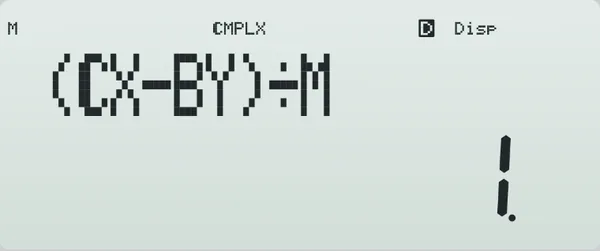
ReImx = 1y = 1 − i Sci-50 display while P8 runs its example
The example drawn, and the calculator's display while it runs.
P9

Intersections of a Line and a Circle (Complex)

CMPLX mode148 bytesBank 3

P5 in CMPLX mode: a line that misses the circle gives its two complex-conjugate intersection points instead of an error.

Enter
a, b, c of the line ax + by = c (prompts D?, X?, Y?), then D, E, F of the circle x² + y² + Dx + Ey + F = 0 (prompts C?, B?, A?).
Shows
x₁, y₁, x₂, y₂, in the same order as P5. A complex answer shows its real part first; SHIFT EXE shows the imaginary part.
Example
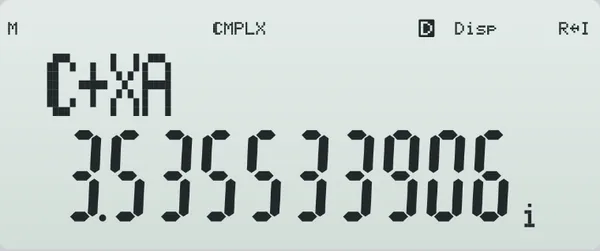
x + y = 10 and x² + y² = 25 (they do not meet) → (5 + 3.535533906i, 5 − 3.535533906i) and its conjugate
Screen shows
5 + 3.535533906i, 5 − 3.535533906i, 5 − 3.535533906i, 5 + 3.535533906i

Run in CMPLX mode: press MODE 2 before Prog. A complex answer shows its real part first; SHIFT EXE shows the imaginary part.

Run in CMPLX mode. The prompts and the order of the answers follow the DSE P9 program.

Try it on a DSE-style question (D8) →

Program listing (148 bytes)
?→D
?→X
?→Y
?→C
?→B
?→A
-C÷2→C
-B÷2→B
C²+B²-A→A
D²+X²→M
(Y-DC-XB)÷M→Y
C+DY→C
B+XY→B
√(A÷M-Y²)→A
D<0⇒-A→A
X=0⇒-A→A
D=0⇒X>0⇒-A→A
C+XA◢
B-DA◢
C-XA◢
B+DA

Each line break is a : on the calculator. SHIFT 3 (P-CMD) gives ? → : ◢.
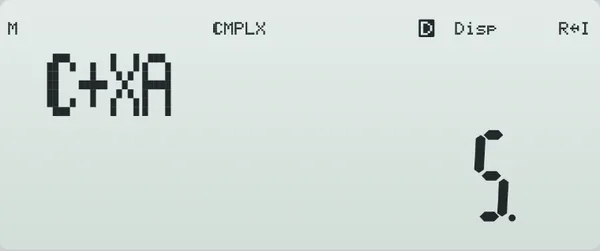
no real meeting point Sci-50 display while P9 runs its exampleThe same result after SHIFT EXE: the imaginary part 3.535533906 with the i indicator
The example drawn, and the calculator's display while it runs.
P10

Simultaneous Equations (Quadratic, Complex)

CMPLX mode105 bytesBank 3

Where y = a₁x² + b₁x + c₁ meets y = a₂x² + b₂x + c₂ (a₂ = 0 for a straight line), with complex points when they do not meet.

Enter
a₁, b₁, c₁, then a₂, b₂, c₂.
Shows
x₁, y₁, x₂, y₂. A complex answer shows its real part first; SHIFT EXE shows the imaginary part.
Example
y = x² and y = 2x + 3 → (3, 9) and (−1, 1)
Screen shows
3, 9, −1, 1

Run in CMPLX mode: press MODE 2 before Prog. A complex answer shows its real part first; SHIFT EXE shows the imaginary part.

Run in CMPLX mode. a₁ must differ from a₂ (otherwise the curves meet at most once: Math ERROR).

Try it on a DSE-style question (D9) →

Program listing (105 bytes)
?→A
?→B
?→C
?→D
?→X
?→Y
A-D→D
B-X→X
C-Y→Y
√(X²-4DY)→M
(-X-M)÷(2D)→Y
(-X+M)÷(2D)→X
X◢
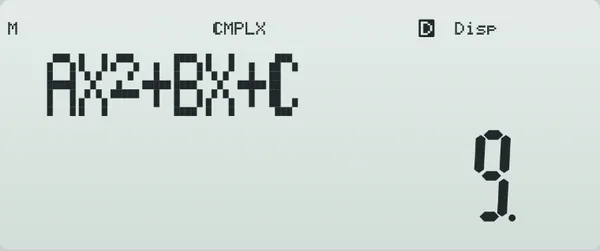
AX²+BX+C◢
Y◢
AY²+BY+C

Each line break is a : on the calculator. SHIFT 3 (P-CMD) gives ? → : ◢.
(3, 9)(−1, 1) Sci-50 display while P10 runs its example
The example drawn, and the calculator's display while it runs.
P11

Intersections of Two Quadratic Curves (Complex)

CMPLX mode222 bytesBank 4

Where two curves x² + py² + c₁x + d₁y + e₁ = 0 and x² + py² + c₂x + d₂y + e₂ = 0 meet (two circles when p = 1). Subtracting gives their common chord, which is then cut with the first curve.

Enter
p, c₁, d₁, e₁, then c₂, d₂, e₂.
Shows
x₁, y₁, x₂, y₂. A complex answer shows its real part first; SHIFT EXE shows the imaginary part.
Example
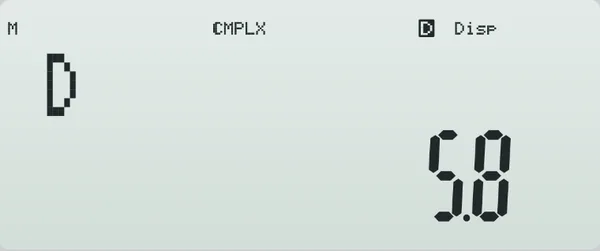
x² + y² = 25 and x² + y² − 20x + 91 = 0 (too far apart) → (5.8, 2.939387691i) and (5.8, −2.939387691i)
Screen shows
5.8, 2.939387691i, 5.8, −2.939387691i

Run in CMPLX mode: press MODE 2 before Prog. A complex answer shows its real part first; SHIFT EXE shows the imaginary part.

Run in CMPLX mode. Divide each equation by its x² coefficient first. If the common chord is vertical, p must not be 0.

Try it on a DSE-style question (D10) →

Program listing (222 bytes)
?→M
?→A
?→B
?→C
?→D
?→X
?→Y
A-D→D
B-X→X
C-Y→Y
X=0⇒Goto 1
MY²-BXY+CX²→C
2MDY+AX²-BXD→B
X²+MD²→A
√(B²-4AC)→M
(-B+M)÷(2A)→C
(-B-M)÷(2A)→B
C◢
-(DC+Y)÷X◢
B◢
-(DB+Y)÷X
Goto 2
Lbl 1
-Y÷D→D
√(B²-4M(D²+AD+C))→X
D◢
(-B+X)÷(2M)◢
D◢
(-B-X)÷(2M)
Lbl 2

Each line break is a : on the calculator. SHIFT 3 (P-CMD) gives ? → : ◢.
x = 5.8 Sci-50 display while P11 runs its example
The example drawn, and the calculator's display while it runs.
P12

Simultaneous Equations and Line-Circle (Combined)

CMPLX mode165 bytesBank 4

Two programs in one area. Type 1: a₁x + b₁y = c₁ and a₂x + b₂y = c₂. Type 2: the line ax + by + c = 0 with the circle x² + y² + Dx + Ey + F = 0.

Enter
Type (1 or 2), then six values: type 1 a₁, b₁, c₁, a₂, b₂, c₂; type 2 a, b, c, D, E, F.
Shows
Type 1: x, y. Type 2: x₁, y₁, x₂, y₂. A complex answer shows its real part first; SHIFT EXE shows the imaginary part.
Example
Type 1: x + y = 1, 2x − y = 5 → x = 2, y = −1. Type 2: x + 7y − 40 = 0 with x² + y² − 2x − 4y − 20 = 0 → (−2, 6) and (5, 5)
Screen shows
−2, 6, 5, 5

Run in CMPLX mode: press MODE 2 before Prog. A complex answer shows its real part first; SHIFT EXE shows the imaginary part.

Run in CMPLX mode. In type 2 the line is written with everything on the left: ax + by + c = 0.

Use it for the question types in D2 and D5.

Program listing (165 bytes)
?→M
?→A
?→B
?→C
?→D
?→X
?→Y
M=2⇒Goto 2
AX-BD→M
(CX-BY)÷M◢
(AY-CD)÷M
Goto 3
Lbl 2
-D÷2→D
-X÷2→X
D²+X²-Y→Y
A²+B²→M
(-C-AD-BX)÷M→C
√(Y÷M-C²)→Y
D+AC-BY◢
X+BC+AY◢
D+AC+BY◢
X+BC-AY
Lbl 3

Each line break is a : on the calculator. SHIFT 3 (P-CMD) gives ? → : ◢.
Type 1Type 2 Sci-50 display while P12 runs its example
The example drawn, and the calculator's display while it runs.